ShopDreamUp AI ArtDreamUp
Deviation Actions







Description
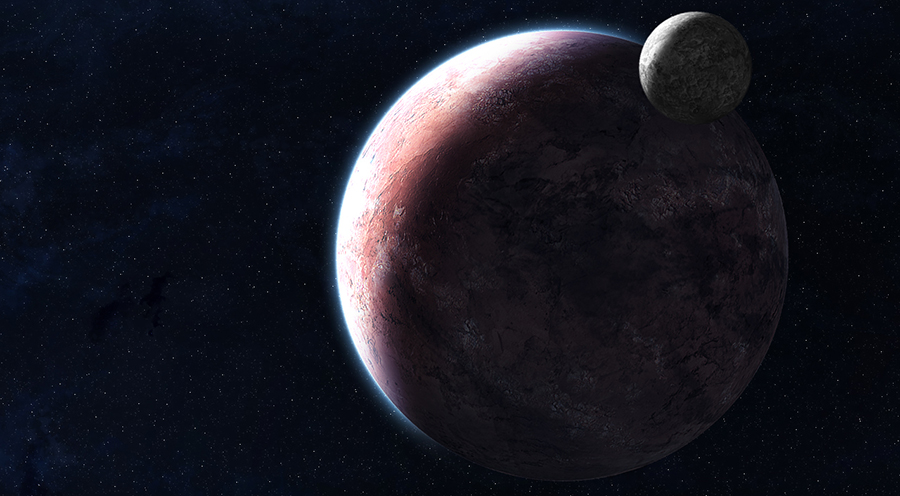
Just some practice with planets and field of vision/focus.
Rip it apart.
EDIT: Its not blurry anymore... I guess it isn't particularly realistic, and I'm no so sure I used it correctly here anyway.
EDIT AGAIN: Fixed up some small things like compositional issues
Rip it apart.
EDIT: Its not blurry anymore... I guess it isn't particularly realistic, and I'm no so sure I used it correctly here anyway.
EDIT AGAIN: Fixed up some small things like compositional issues
Image size
900x496px 294.8 KB
Make
NIKON CORPORATION
Model
NIKON D80
Shutter Speed
22/10 second
Aperture
F/32.0
Focal Length
200 mm
ISO Speed
100
Date Taken
Sep 13, 2007, 7:21:27 PM
© 2007 - 2024 bloknayrb
Comments73
Join the community to add your comment. Already a deviant? Log In

I love this! 
but
The outer glow goes a bit too far round the planet for me
but
The outer glow goes a bit too far round the planet for me